
Swagger UI Viewer for Jira (OpenAPI integration)
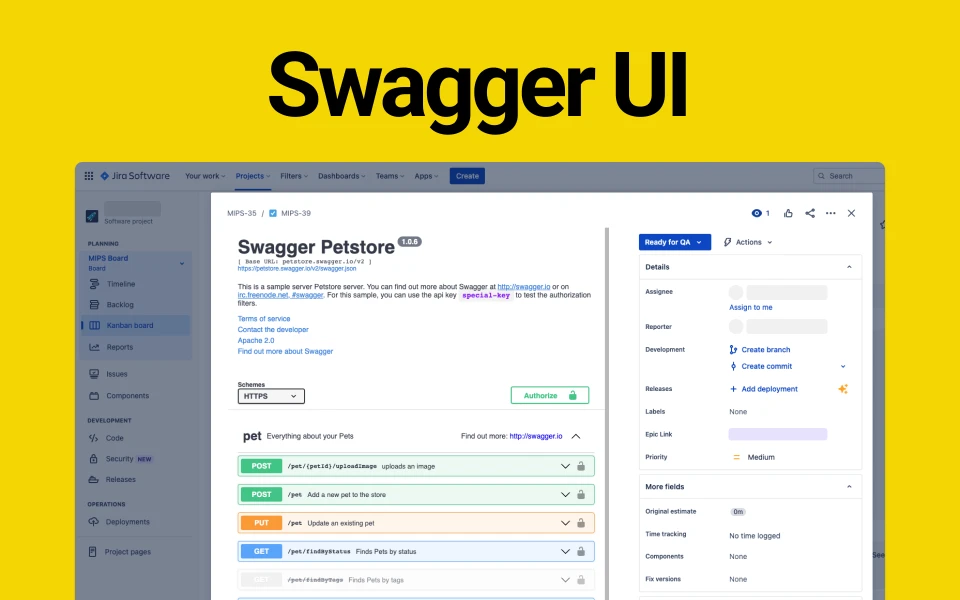
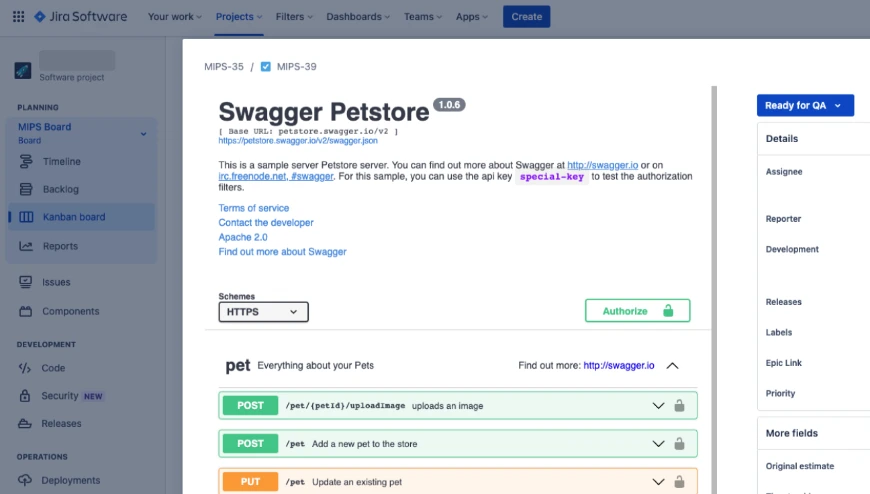
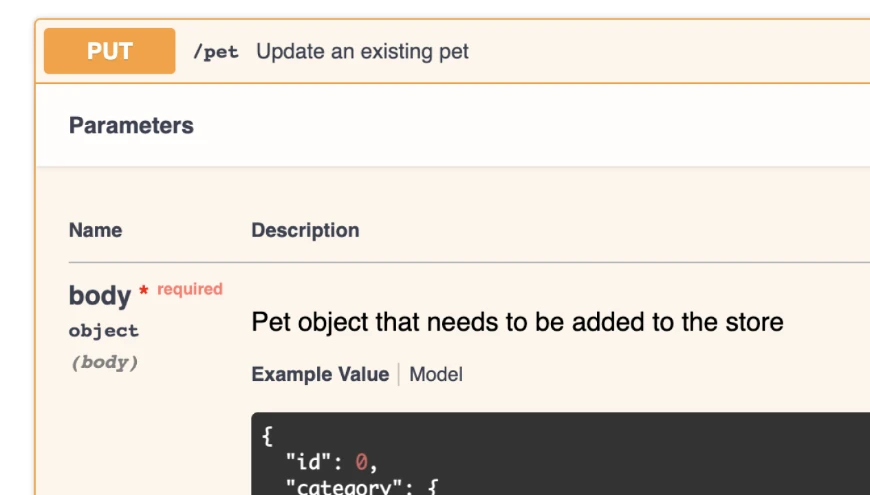
Install Swagger UI into your Jira account to display Open API document directly in your issue.

Last Updated: Sep 23, 2023
How to use
Step 1. Install app from Atlassian marketplace
Step 2. Inside any issue click
 button
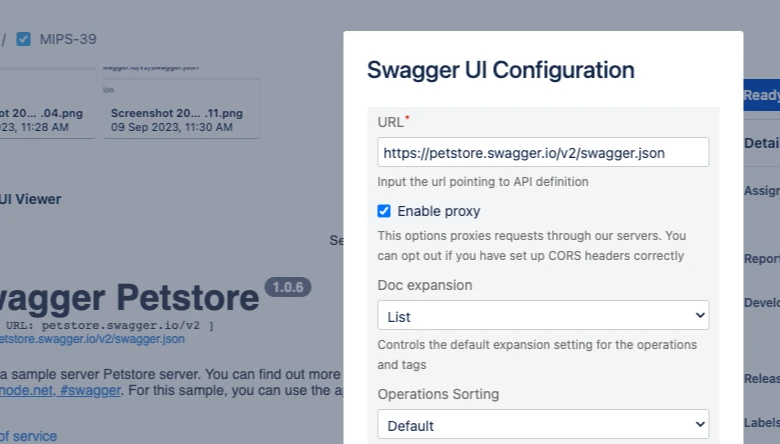
Step 3. Click “Setup” button and adjust Swagger Settings
Step 4. Click “Submit” and use Swagger UI inside your issue
Have a question or want to
work together?
We'd love to hear from you. Drop us a line and we'll get back to you shortly.